Guide
Use a Mac teleprompter for training videos
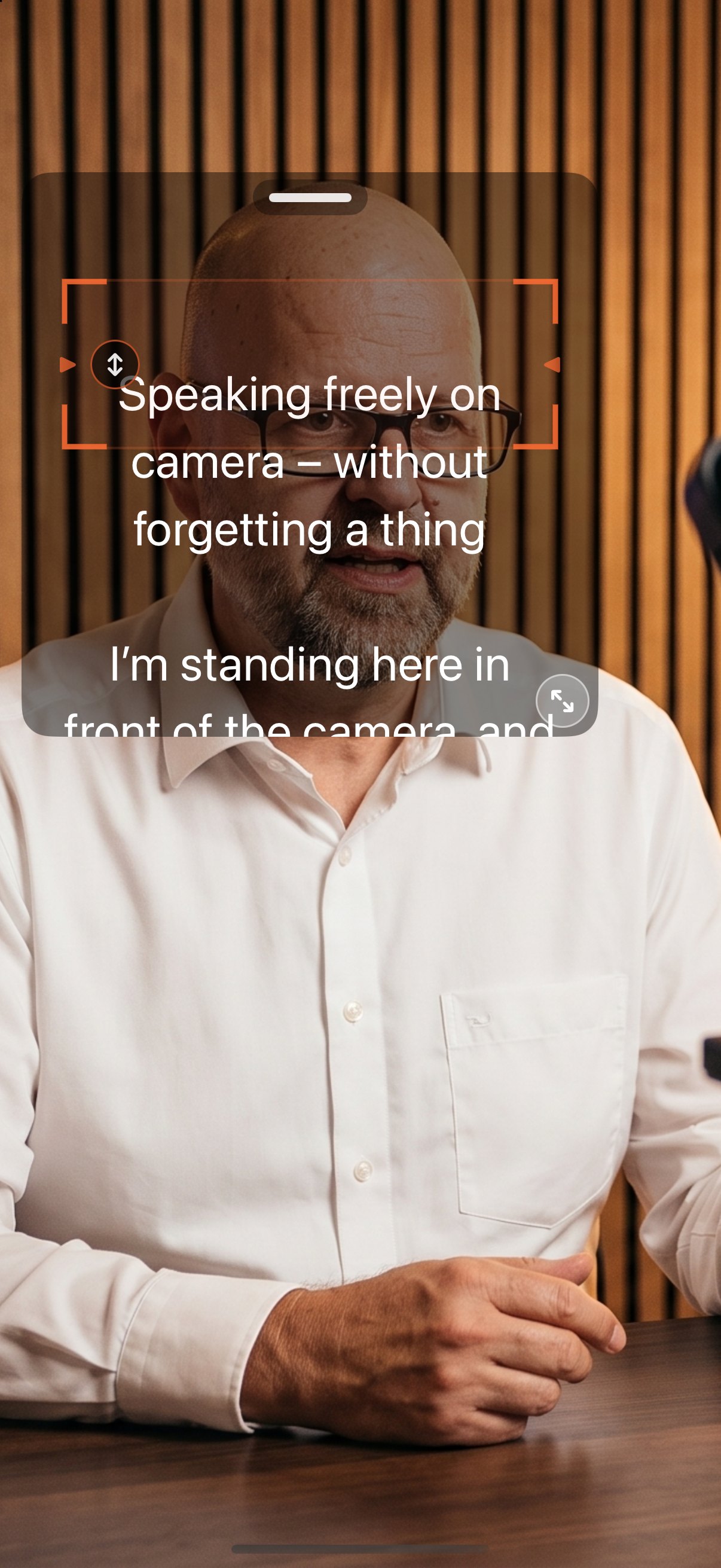
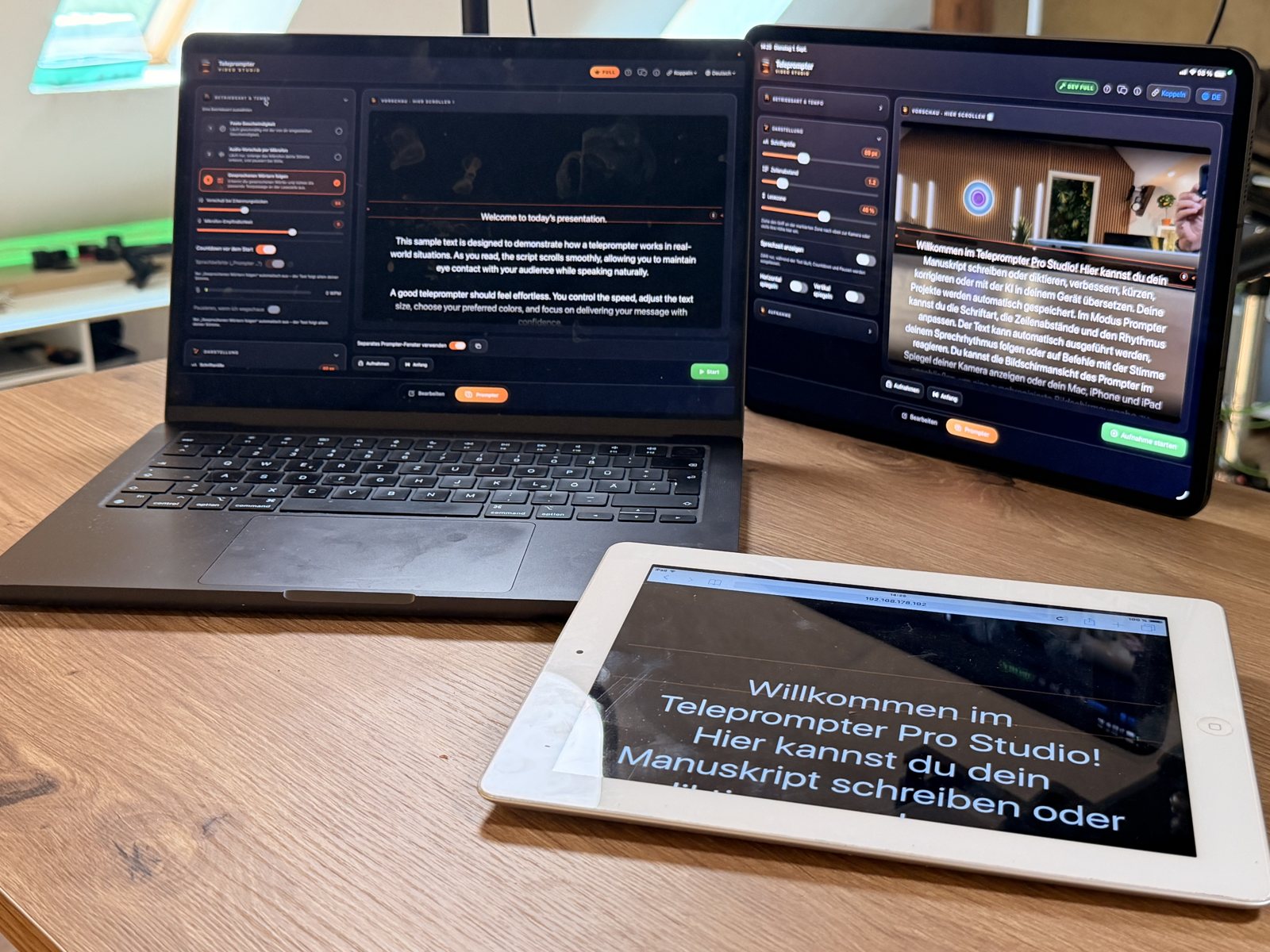
You can write your script, control the prompter and record video on a Mac. AI Teleprompter: Video Studio also offers a separate prompter window. With Full, an iPad or a compatible tablet browser on the same local network can act as an additional script display – useful for training and explainer videos with a camera beside your screen.
Set up a simple training-video workflow
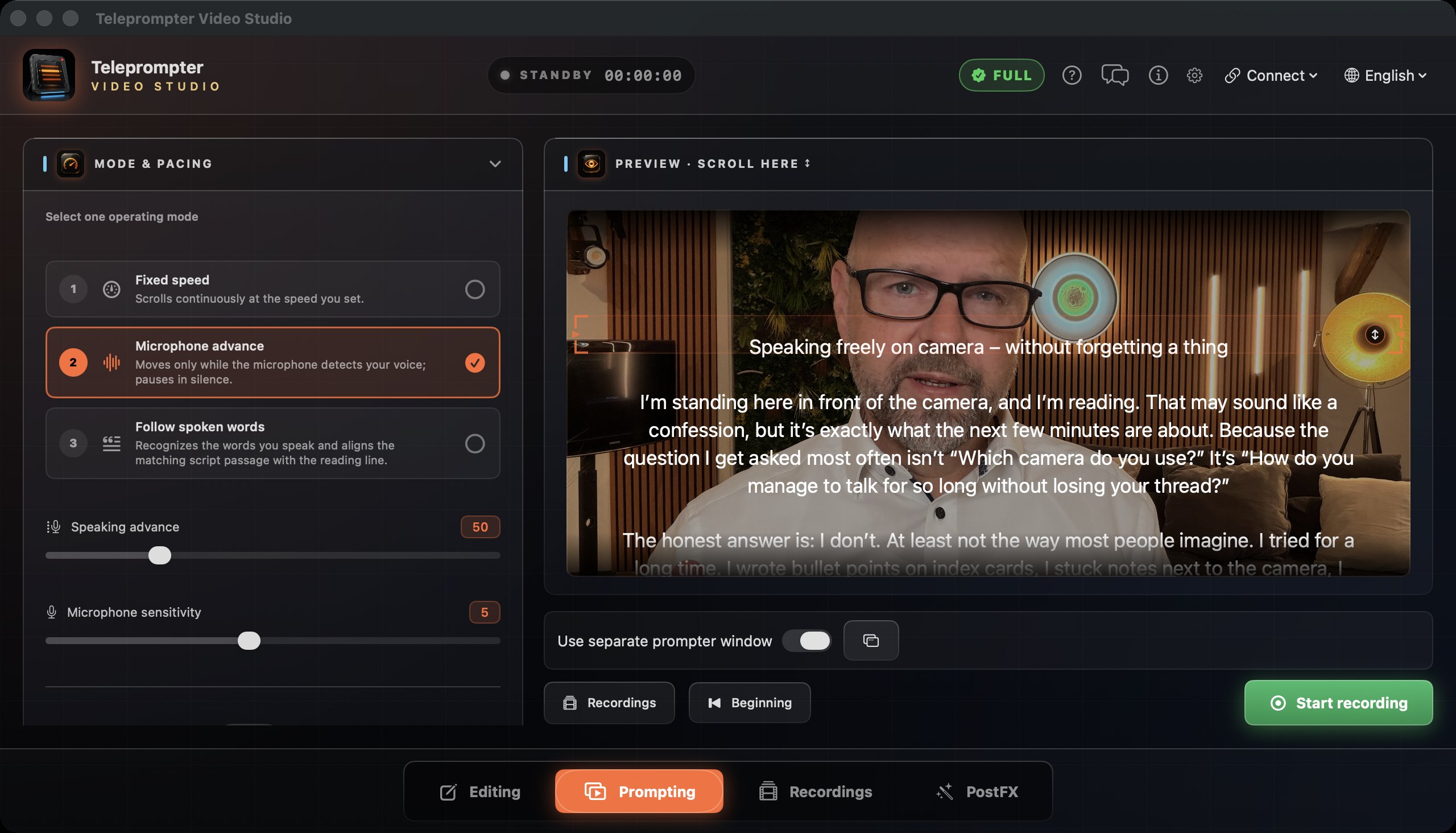
- Create a project for your lesson on the Mac and write or import your script. Use short paragraphs that are easy to say aloud. Local AI writing tools can help shorten and revise the text on compatible devices.
- Open the prompter. If useful, enable the separate prompter window and position the reading line near your camera. Choose a type size you can comfortably read from your recording position.
- Start with fixed-speed prompting, which is free. With Full, you can use word tracking instead. Select your microphone and speak at your normal volume during the level check before recording.
- For an iPad running the app, choose “Control” on your Mac and “Display” on your iPad under “Connect”, then accept the pairing request. Both devices must be on the same local network.
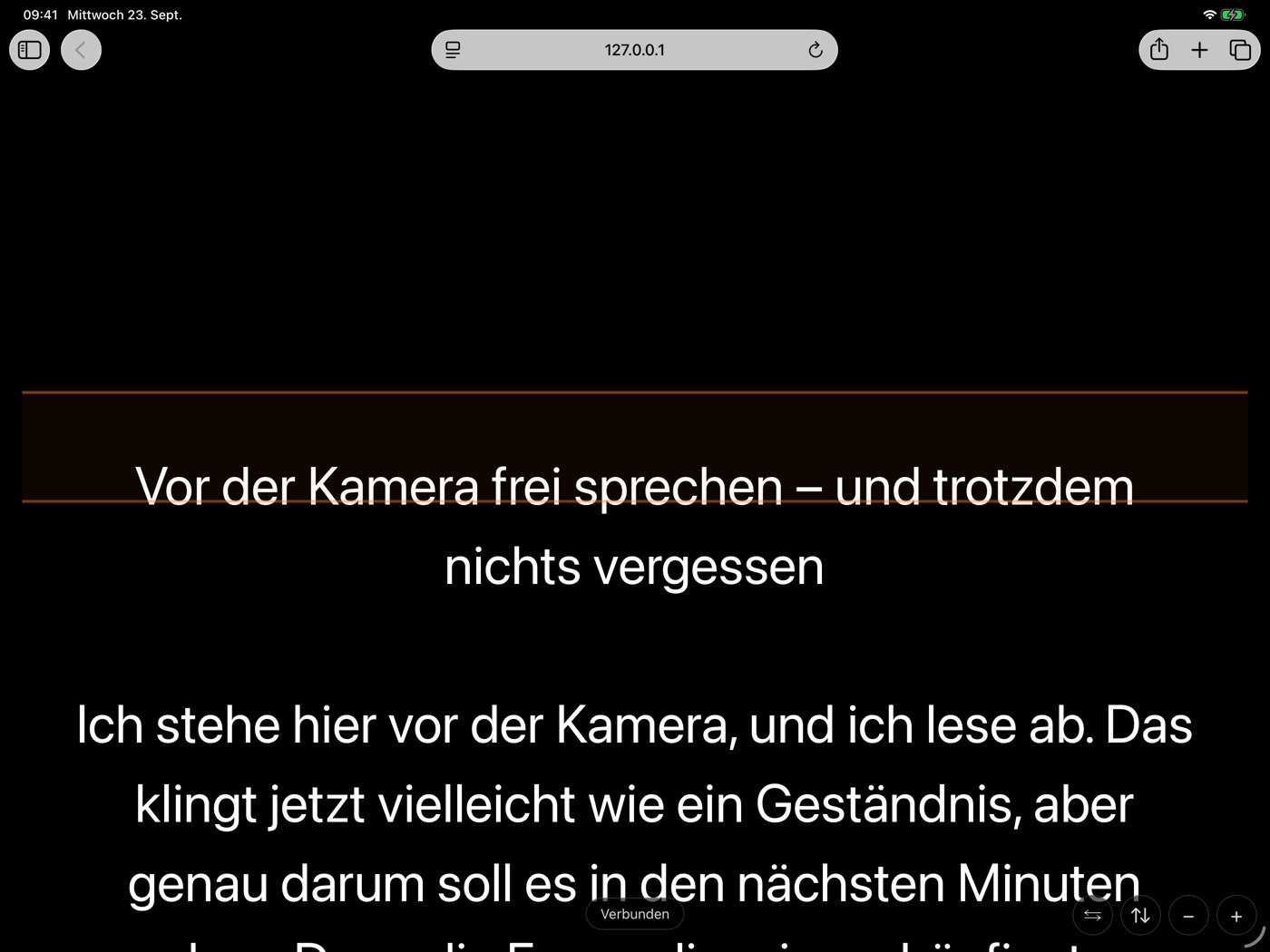
- For a tablet without the app, enable the browser display on your Mac. Use “Show address” to display the QR code and scan it with the tablet, or enter the displayed address in its browser. Adjust the type size there with plus and minus.
- Check start, pause, reading position and legibility with your actual setup before recording the lesson. To record on the Mac, enable the camera; Start begins the countdown, script and recording together. Start a separately used camera independently.
- Open the recording in PostFX afterwards. Create and correct captions and adjust the background as needed. Export a video copy with burned-in captions, or save the captions as SRT/VTT for further editing.
What your setup needs
- The Mac app requires macOS 14 or later; the iPad app requires iPadOS 17 or later. The browser display needs a compatible browser. Support is not guaranteed for every older tablet.
- One device controls the session and the others display the script. Microphones, cameras and recording stay off on paired display devices; they do not provide additional camera angles.
- The device connection is local. Speech recognition may use an Apple Speech network connection depending on the language and device. Local AI writing tools require compatible hardware and system versions, and may need a model download first.
- Word tracking, recording, captions, background tools and additional device displays are part of Full. Try Full once for free, then unlock it with a one-time purchase without a subscription, or choose the optional weekly subscription.
AI Teleprompter: Video Studio
Available on the App Store
iPhone · iPad · Mac · Apple Watch
AI Teleprompter: Video Studio for iPhone, iPad, Mac and Apple Watch. Fixed-speed prompting is free, the full version is a one-time purchase or weekly subscription, no account, no ads, no tracking.
App Store