Guide
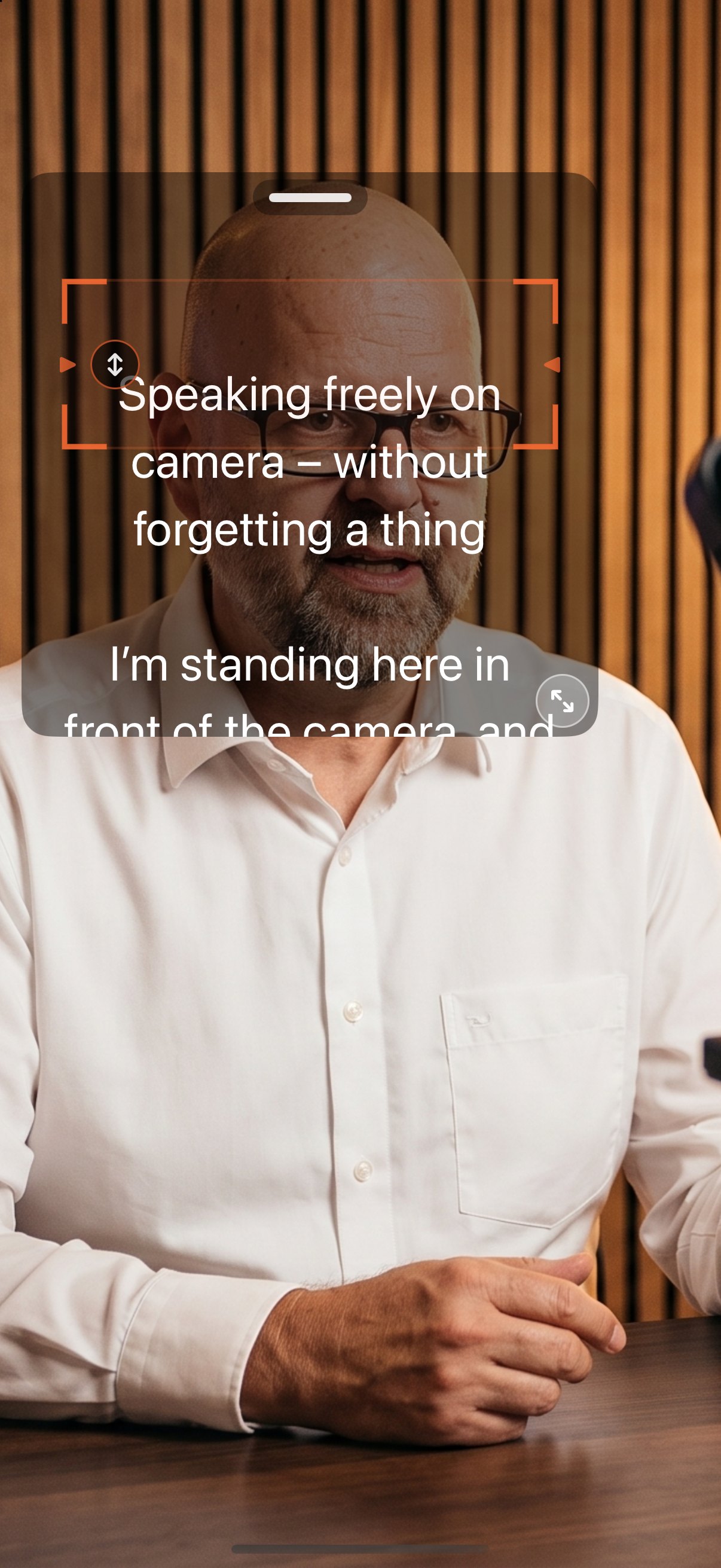
Create captions on iPhone and burn them into the video
You need neither a computer nor a cloud service. After recording, the app recognizes the spoken text on the iPhone; you correct it, pick a style, and export a video copy with burned-in captions.
How it works
- Record your video in the app or open an existing recording.
- Switch to PostFX and tap “Captions”. Recognition runs on the device.
- Read through the recognized text and correct names and technical terms.
- Pick a style. There are 76 styles, many of them animated, and 3 brand templates with your own font and colors. The tiles show every style on a frame of your video.
- Move the captions within the frame and adjust font and colors.
- Create the video copy with burned-in captions or share an SRT or VTT file.
Good to know
- The original stays untouched; the export is a copy.
- SRT and VTT work with YouTube, Vimeo, Premiere and Final Cut.
- Captions are part of the full version; one trial run is free.

AI Teleprompter: Video Studio
Available on the App Store
iPhone · iPad · Mac · Apple Watch
AI Teleprompter: Video Studio for iPhone, iPad, Mac and Apple Watch. Fixed-speed prompting is free, the full version is a one-time purchase or weekly subscription, no account, no ads, no tracking.
App Store