Guide
Use an old iPad or tablet as a teleprompter
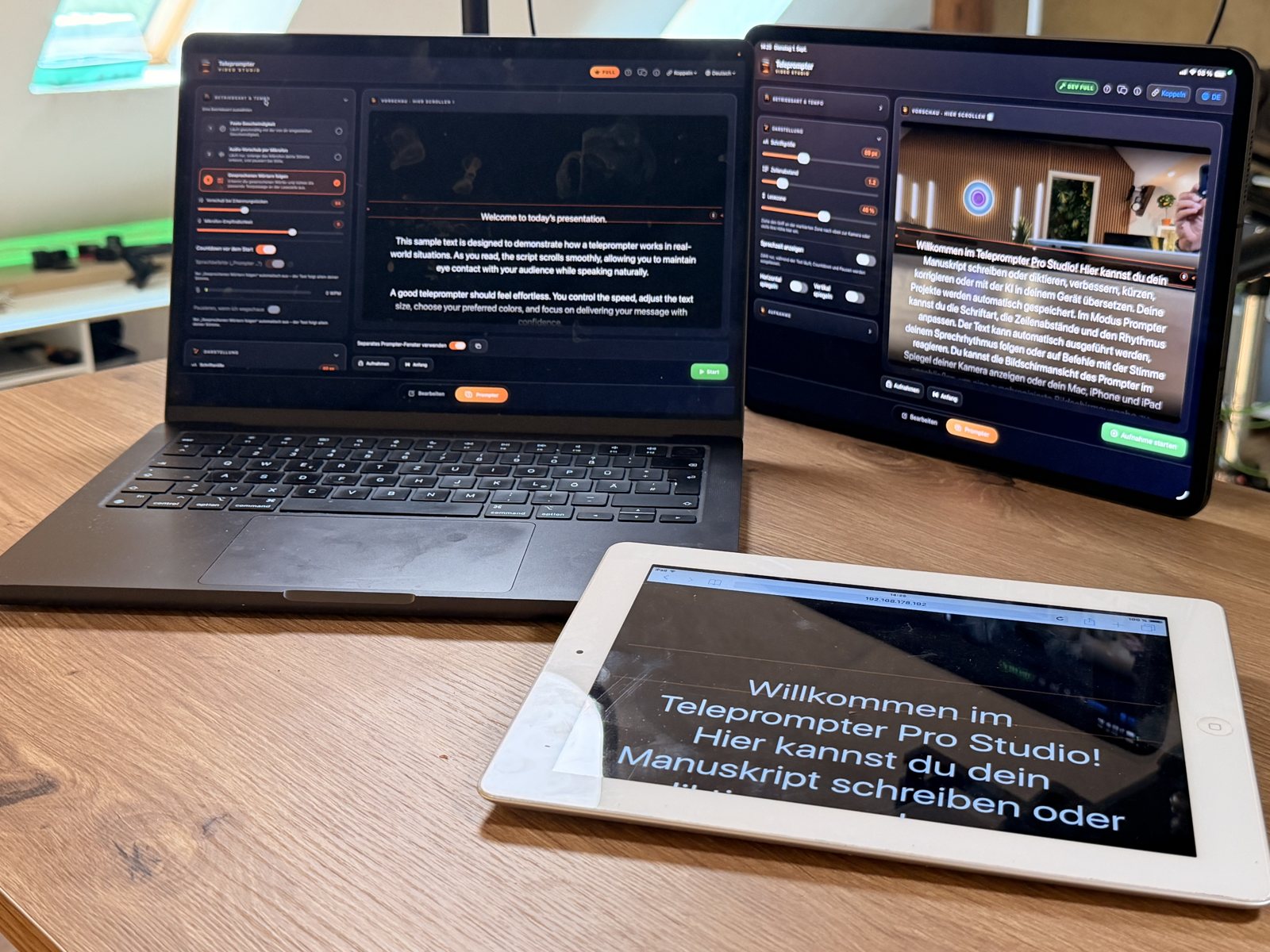
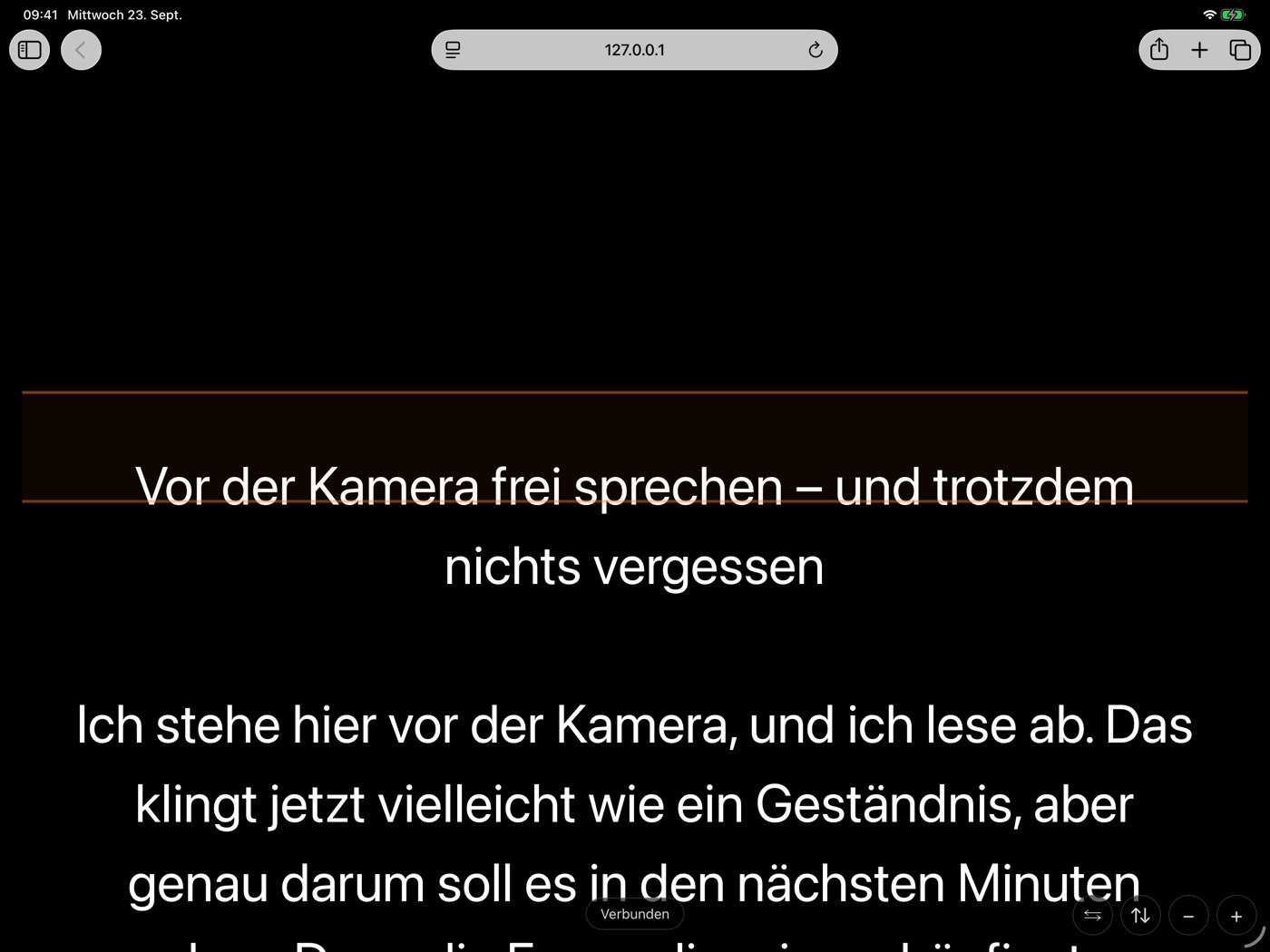
An old tablet does not need its own teleprompter app. With AI Teleprompter: Video Studio, the app runs on your iPhone, iPad or Mac, and the tablet simply shows the script in its browser. You connect it with a QR code on the same Wi-Fi.
How it works
- Open the app on iPhone, iPad or Mac and pick your script.
- Under “Connect”, switch on the browser display.
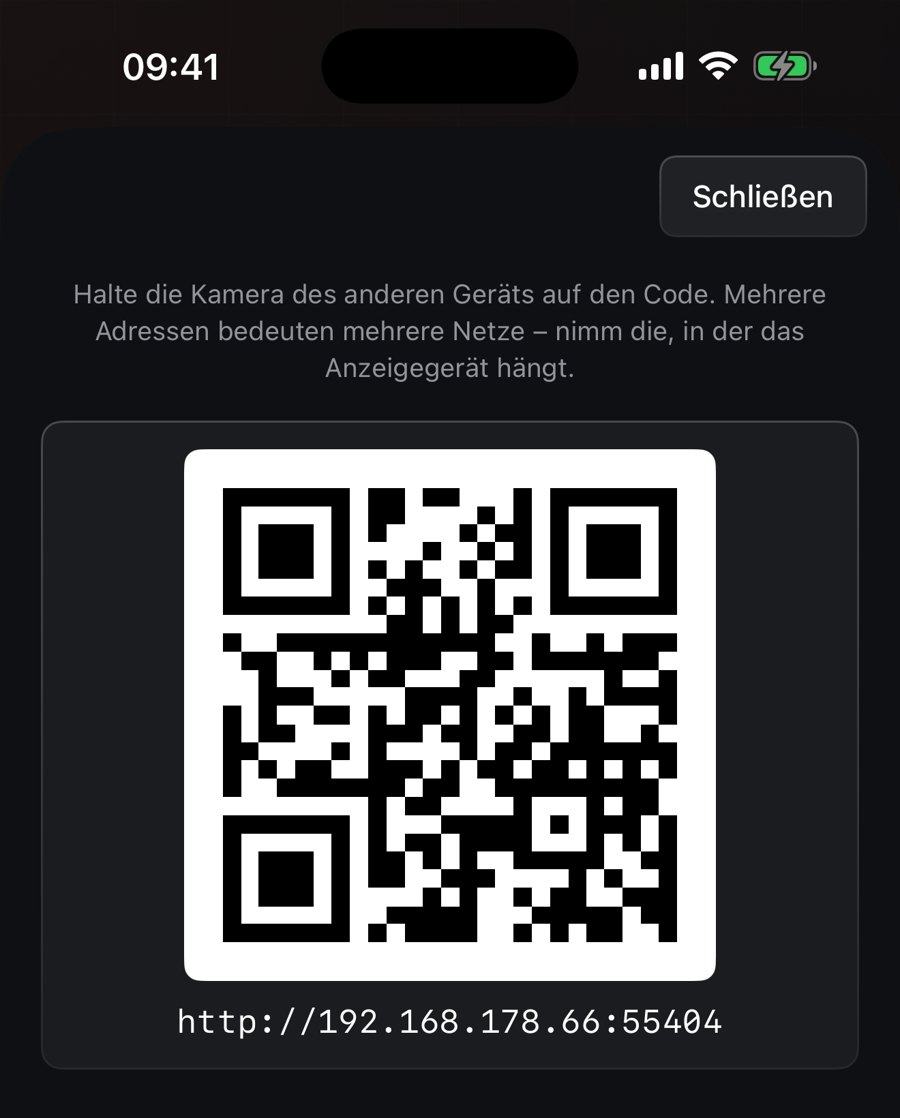
- Tap “Show address”. The app shows a QR code.
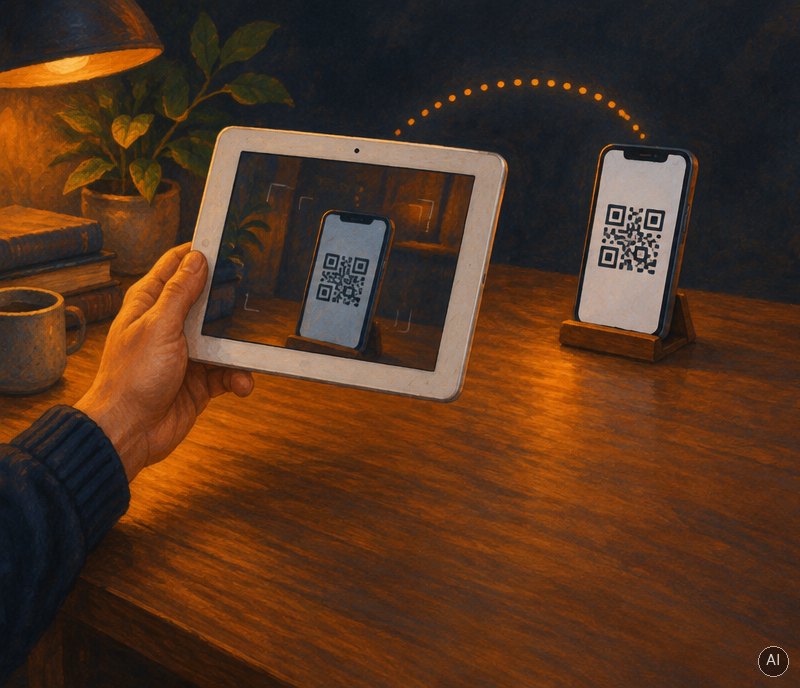
- Scan the code with the tablet. Both devices must be on the same Wi-Fi.
- The tablet’s browser now shows the prompter. Plus and minus set the font size there.
- You control start, speed and position on the main device, on iPhone also with Apple Watch.
Good to know
- The tablet only needs a compatible browser. There is no guarantee for every old device.
- The browser display is part of the full version (Teleprompter Full). You can try it in the free trial run.
- The connection stays on the local network, with no account and no cloud.
AI Teleprompter: Video Studio
Available on the App Store
iPhone · iPad · Mac · Apple Watch
AI Teleprompter: Video Studio for iPhone, iPad, Mac and Apple Watch. Fixed-speed prompting is free, the full version is a one-time purchase or weekly subscription, no account, no ads, no tracking.
App Store