What does the teleprompter app cost?
The app is free on the App Store and stays usable with no time limit: write scripts, create unlimited projects, and prompt at a fixed speed. The full version, “Teleprompter Full”, comes three ways: a one-time free trial run with every Full feature, a weekly subscription (renews automatically, cancel anytime in your Apple subscriptions), or a one-time Lifetime purchase. Full unlocks voice control, video and audio recording, captions, AI text tools, mirror mode, device pairing, and the Apple Watch remote. Important: buying Lifetime does not automatically cancel a running weekly subscription. The App Store shows the price for your country before you buy.
How does the text follow my voice?
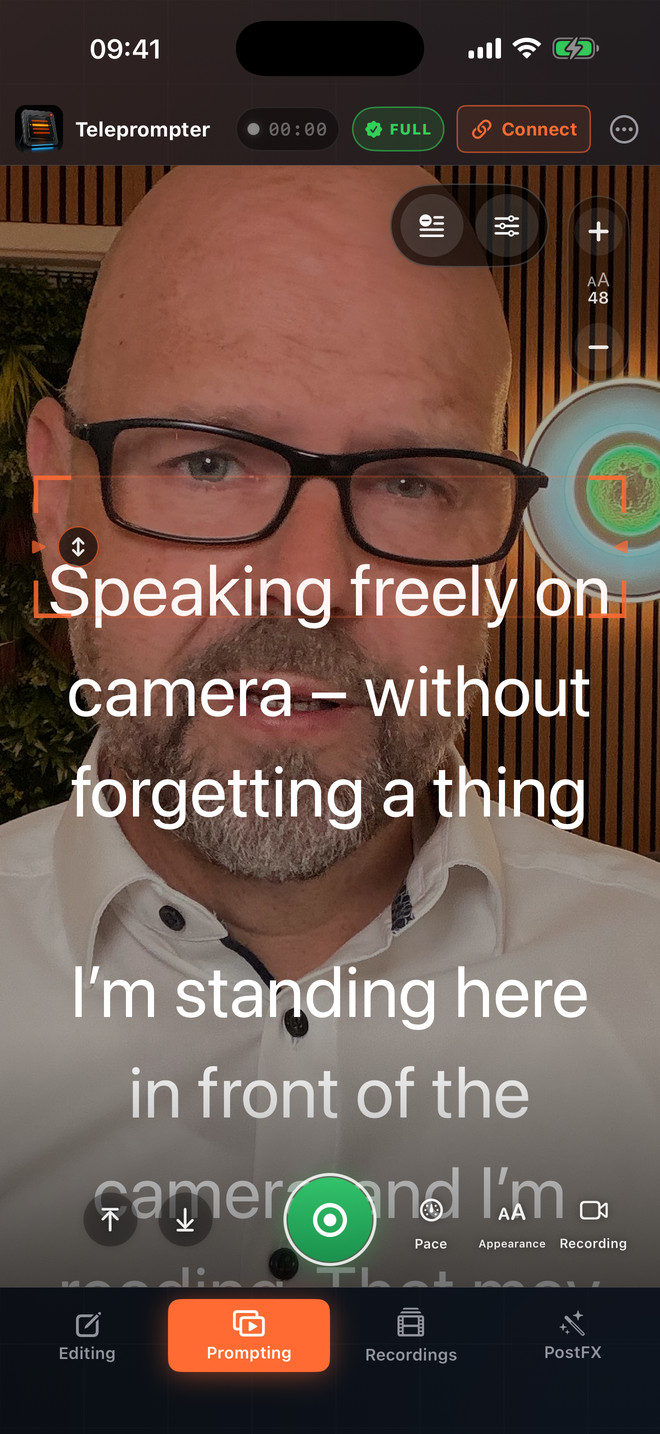
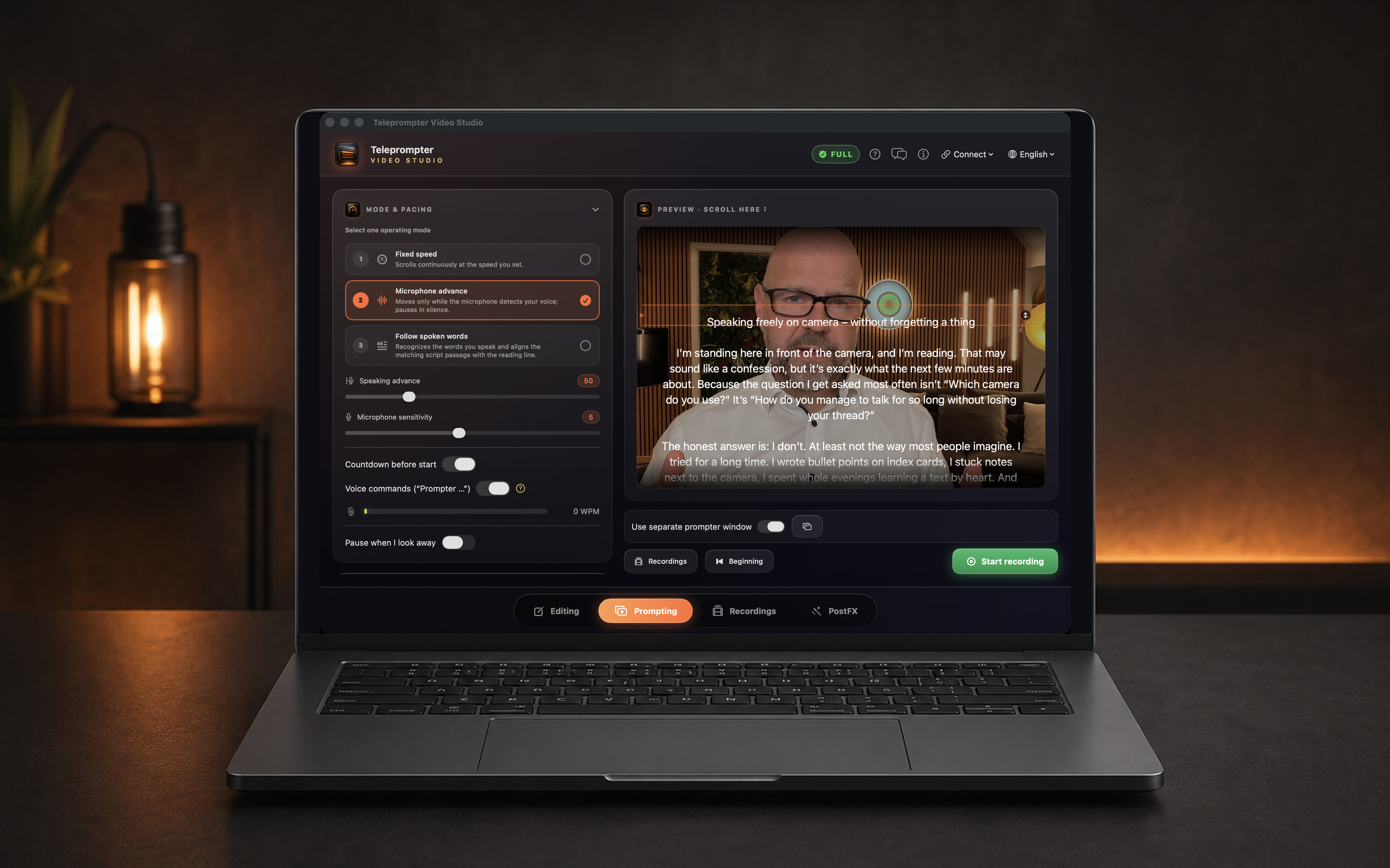
There are three modes. Fixed speed scrolls steadily. Microphone advance moves the text only while you speak and pauses when you stop. Word tracking recognizes the words you actually say and brings the matching passage of your script onto your reading line.
Does it run on Mac, iPhone, iPad, and Apple Watch?
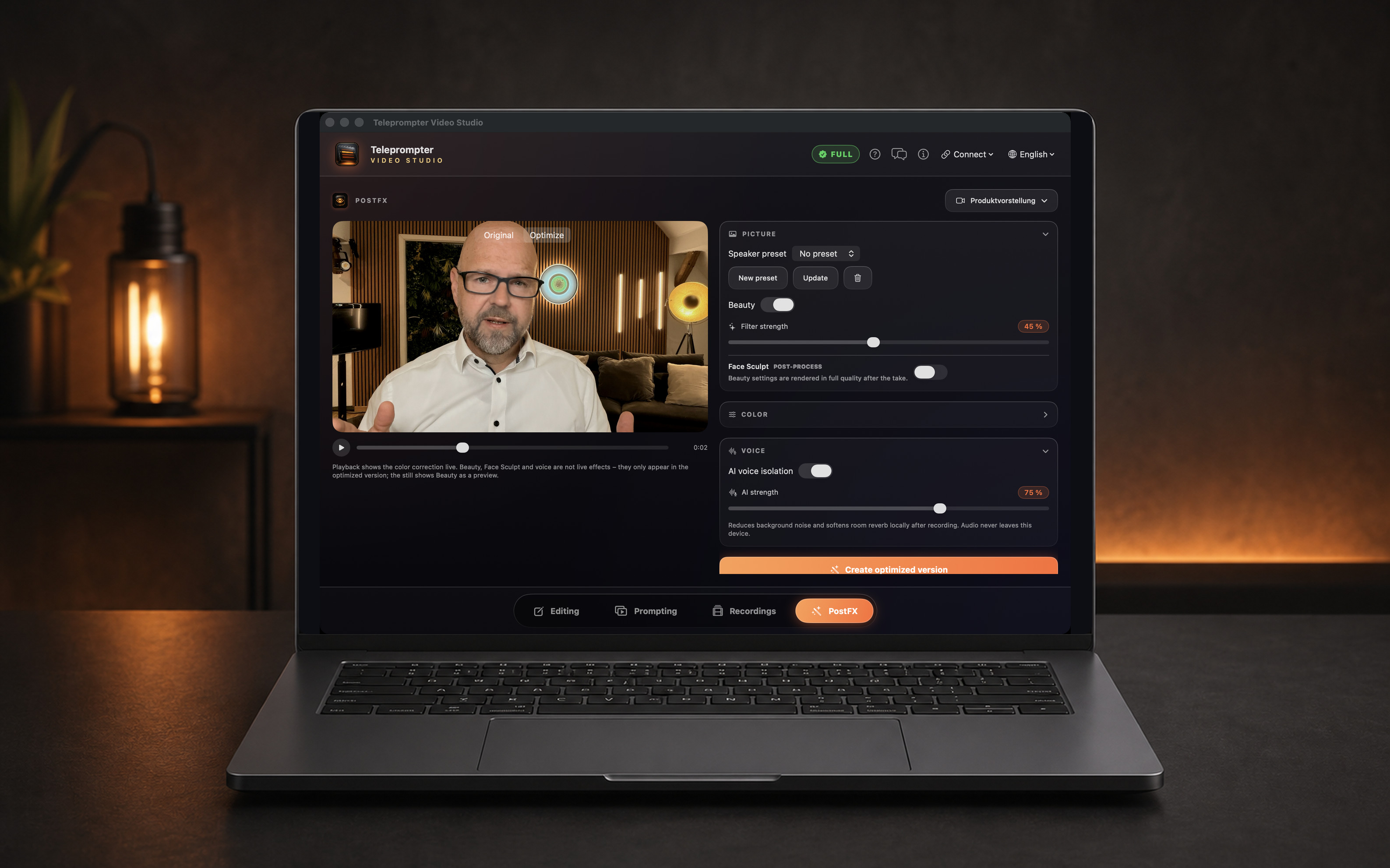
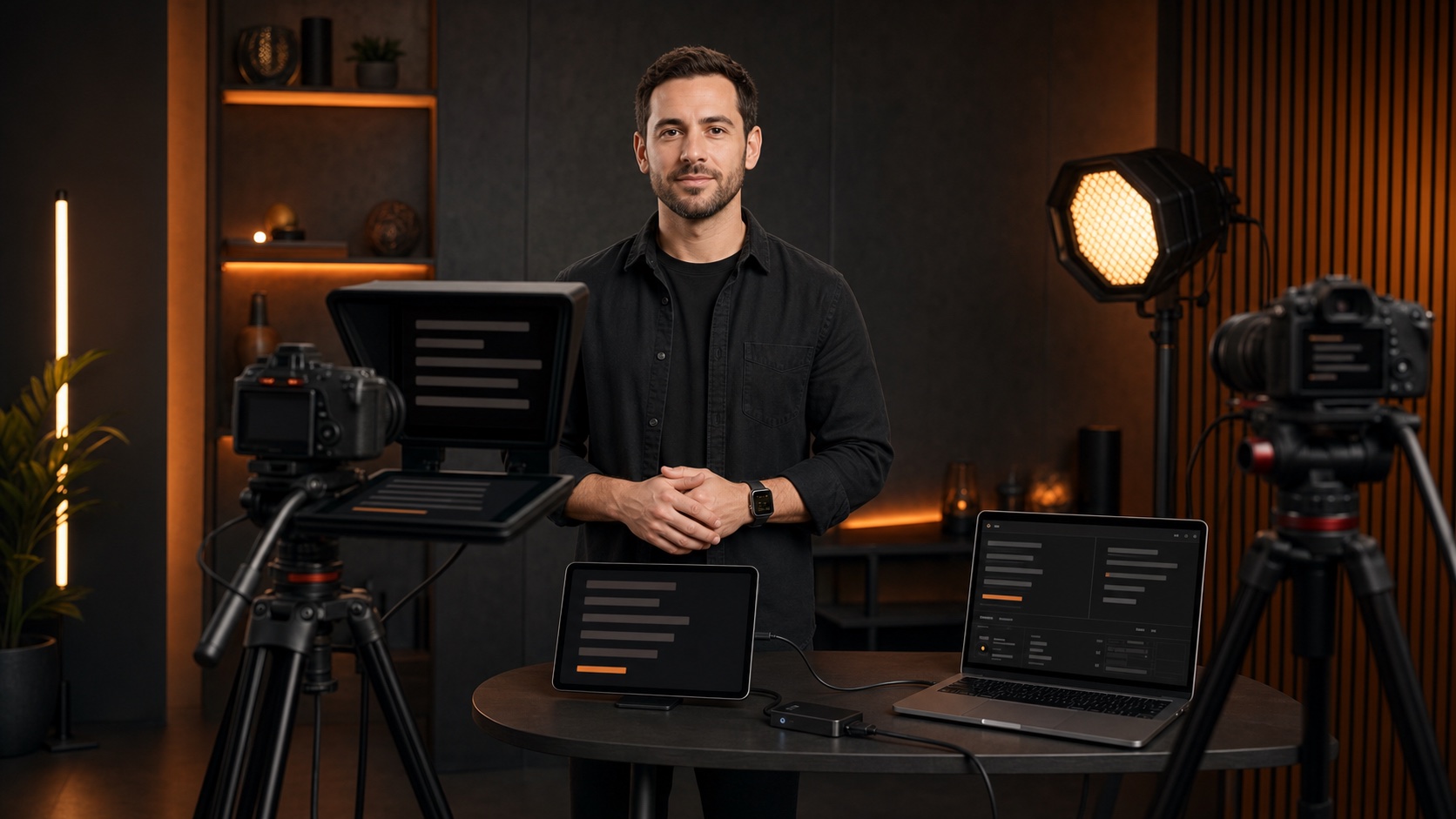
Yes. The weekly subscription and Lifetime apply to all supported devices using the same Apple Account. Mac, iPhone, and iPad pair over the local network: one device controls, the others display the text. The Apple Watch acts as a remote for start, stop, speed, and position.
Do I need an account or an internet connection?
No. There is no required account, no advertising, and no tracking. Scripts, projects, speaking profiles, and recordings stay on your device. Speech recognition runs on-device where supported; depending on language and device, Apple Speech may use a network connection. Neither your audio nor your transcript ever reaches the developer.
Can I record video straight from the prompter?
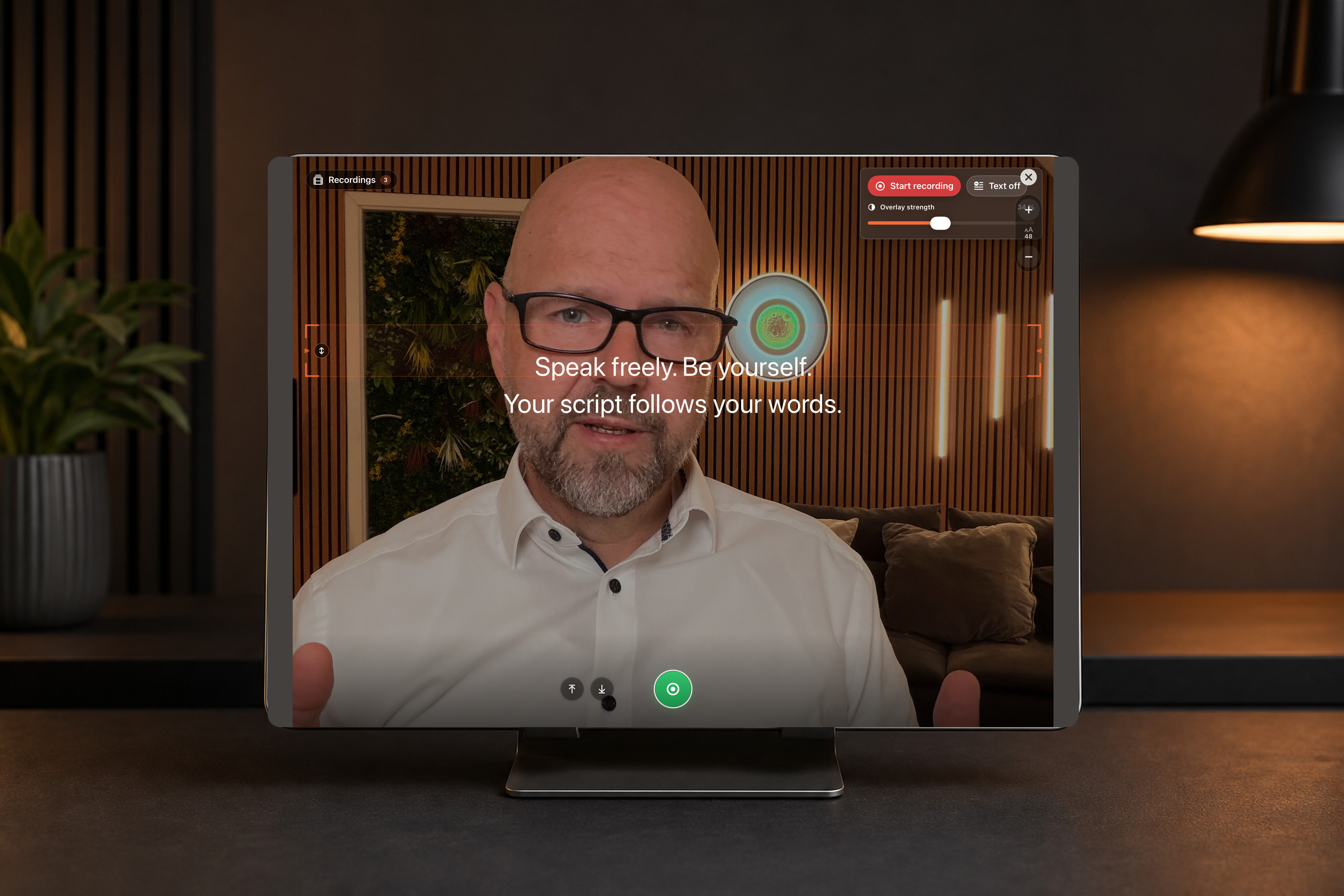
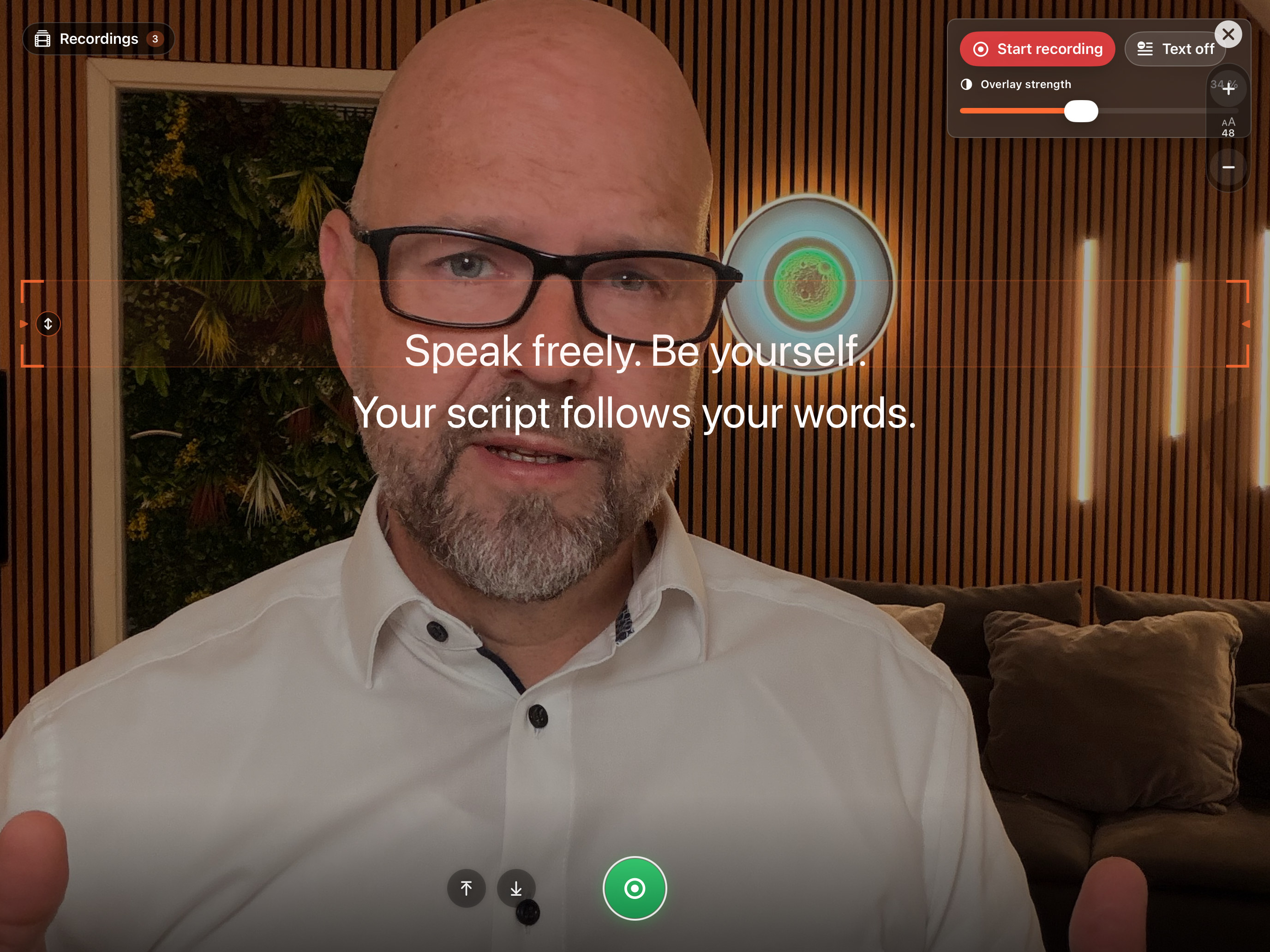
Yes. The camera image sits behind the text, in portrait or landscape, with lens selection and HDR on supported cameras. One press of Start begins countdown, text, and recording together. Only the clean camera image with sound is recorded — the text is never burned in. Audio-only recording for podcasts is available too.
Does it work with teleprompter glass?
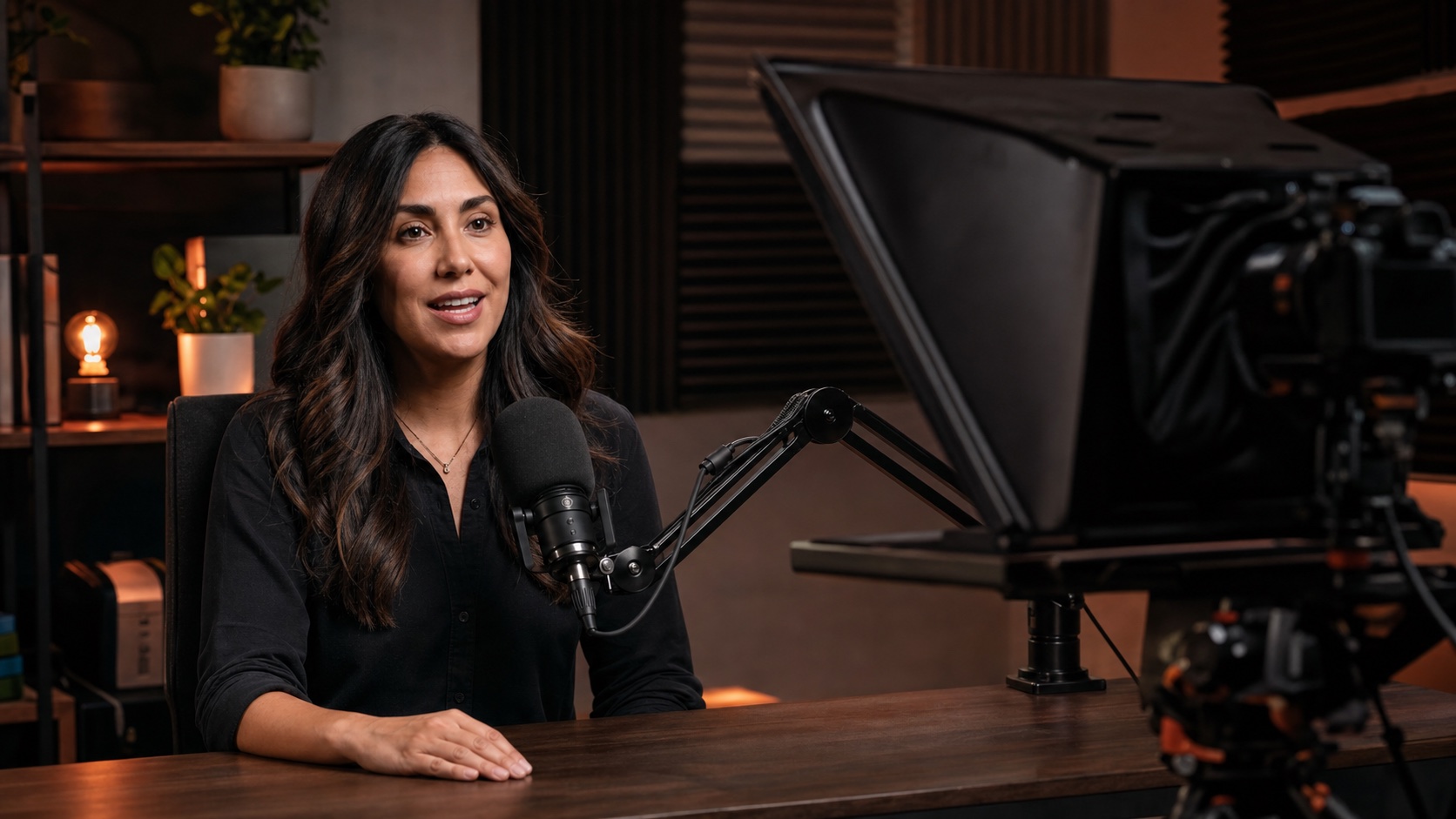
Yes. Mirror mode flips the text horizontally, the way beam-splitter glass in front of the lens requires. For a normal monitor, mirroring stays off.
Which languages does the app support?
The interface is available in 14 languages: German, English, French, Spanish, Portuguese (Brazil), Italian, Japanese, Chinese (Simplified), Korean, Swedish, Norwegian, Danish, Finnish, and Dutch. Dictation, pace measurement, and voice commands each work in the selected language.
Can I control the prompter hands-free?
Yes. With the microphone on, the app responds to voice commands: “Prompter stop” pauses, “Prompter go” resumes, “Prompter restart” jumps to the top, and “Prompter back” rewinds slowly. The leading wake word “Prompter” keeps your script text from triggering a command by accident.
What is free forever in the teleprompter app?
Free with no time limit: writing and importing scripts, unlimited projects, the full-screen prompter at a fixed speed, reading line, font size and countdown, plus the Simple view on iPhone. No account is needed and there are no ads. Paid (Teleprompter Full): word tracking and microphone advance, video and audio recording, captions, AI text tools, mirror mode, device pairing, and the Apple Watch remote.
Is there a teleprompter app without a subscription?
Yes. The full version is available as a one-time Lifetime purchase: pay once, use it for good, on Mac, iPhone, and iPad with the same Apple Account. The weekly subscription is only an optional alternative for short projects. Before buying, you can try everything once in a free trial run.
How do I use an old iPad or tablet as a teleprompter?
The app runs on your iPhone, iPad, or Mac and shows a QR code for the browser display. Scan it with the old tablet on the same Wi-Fi, and its browser becomes the prompter display – no app has to be installed on the tablet. You control text, speed, and start from the main device. The tablet needs a compatible browser; the browser display is part of Teleprompter Full.
How do I read a script without it showing in the video?
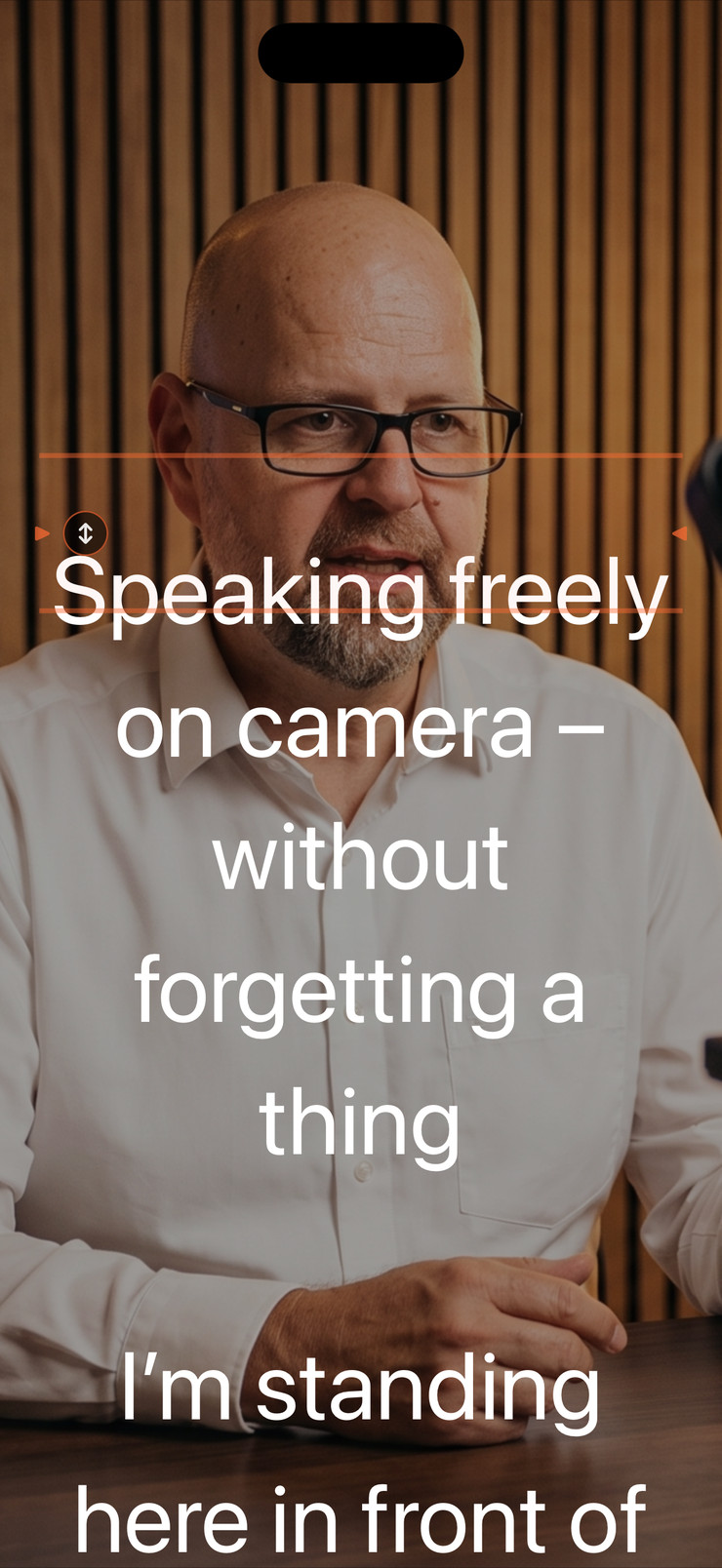
The text has to sit as close to the lens as possible. On iPhone and iPad, it appears in a window over the camera image while recording; you move it next to the camera and resize it with two fingers. Word tracking keeps the passage you are saying on the reading line, so your eyes barely move. For cameras with teleprompter glass, there is mirror mode.
Can I create captions right on iPhone and burn them into the video?
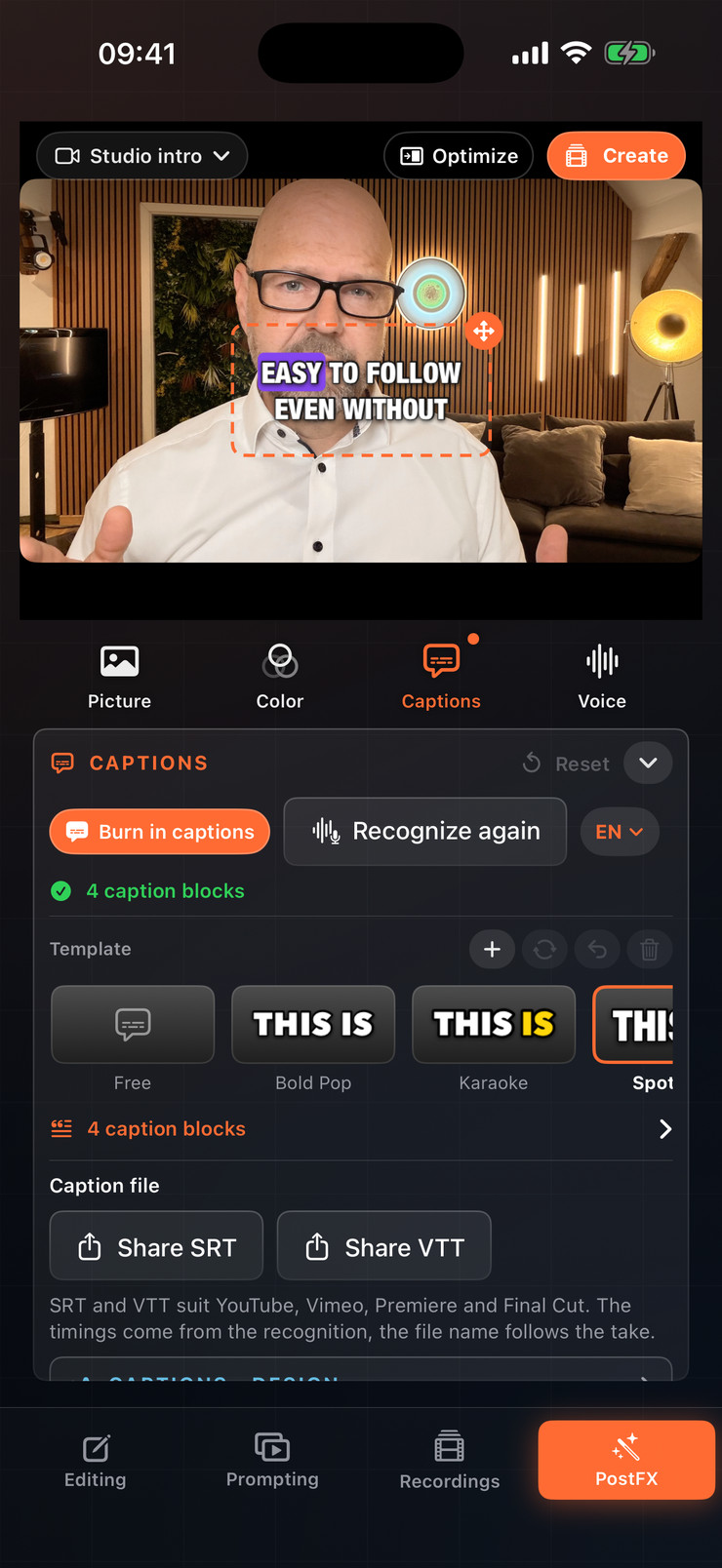
Yes. After recording, the app recognizes the spoken text on the device. You correct it, pick one of 76 styles – many of them animated, such as karaoke, pop, or typewriter – or one of 3 brand templates, and export a video copy with burned-in captions. Alternatively, share the captions as an SRT or VTT file. The original stays untouched.
Who is the app not suitable for?
The app is available for Apple devices only: iPhone and iPad with iOS 17 or later, Mac with macOS 14 or later, Apple Watch with watchOS 10 or later. There is no app for Android or Windows; such devices can only follow along as a browser display. There is no cloud sync and there are no team accounts – scripts and recordings stay on the device.