01
Open Teleprompter on a supported iPhone, iPad or Mac and enable the browser display.
TELEPROMPTER VIDEO STUDIO
Give an older tablet a place beside your camera. Open your script in its browser and use it as a second prompter display on the same local network.
View on the App Store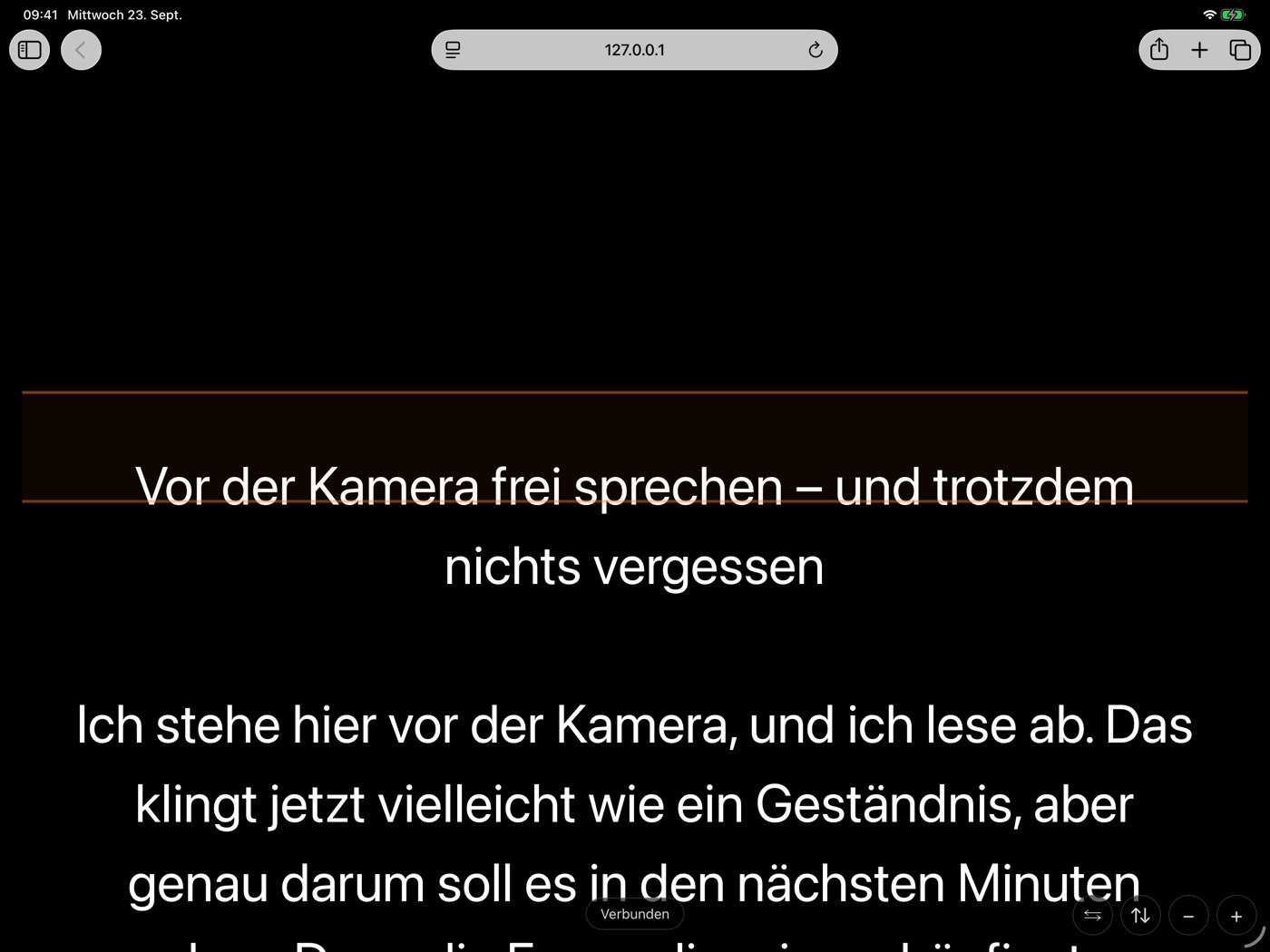
01
Open Teleprompter on a supported iPhone, iPad or Mac and enable the browser display.
02
Connect the second device on the same Wi-Fi: scan the QR code or enter the displayed address.
03
Control text and pace on the main device. The tablet displays text; it is not a second recording camera.
Browser display requires Full and a compatible browser on the second device. Compatibility with every old tablet is not guaranteed.
Scripts and fixed-speed prompting stay free. Full is available as an optional weekly subscription or a lifetime purchase. The App Store shows your local price. A lifetime purchase does not automatically cancel an active weekly subscription.
Setup and helpYour teleprompter for video recording.A teleprompter for presentations and speeches.