Press kit · Version 4.6 · November 16, 2026
Your script follows your voice.
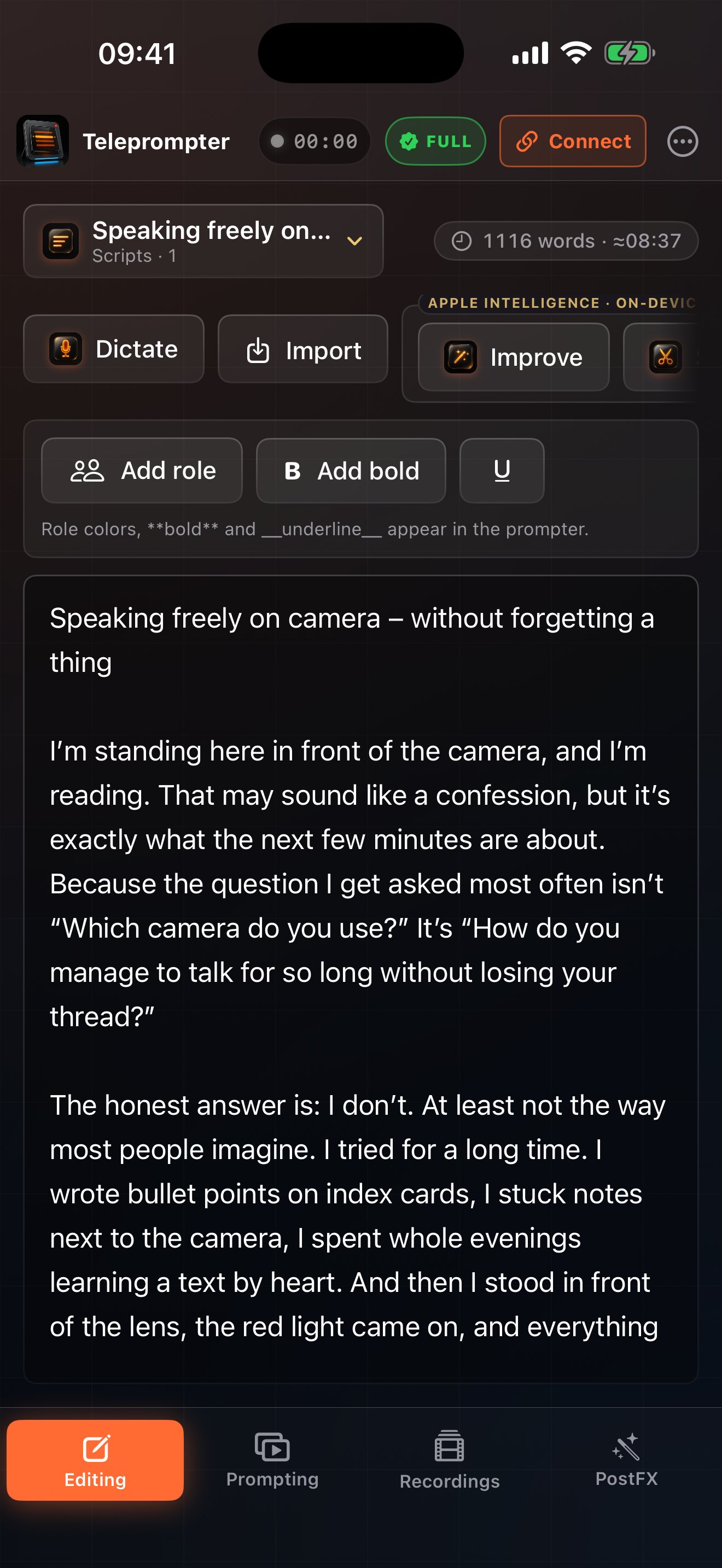
AI Teleprompter: Video Studio is a teleprompter for iPhone, iPad, Mac and Apple Watch. The app moves the script with your voice, records the video and then generates captions on the device.
Available in version 4.1
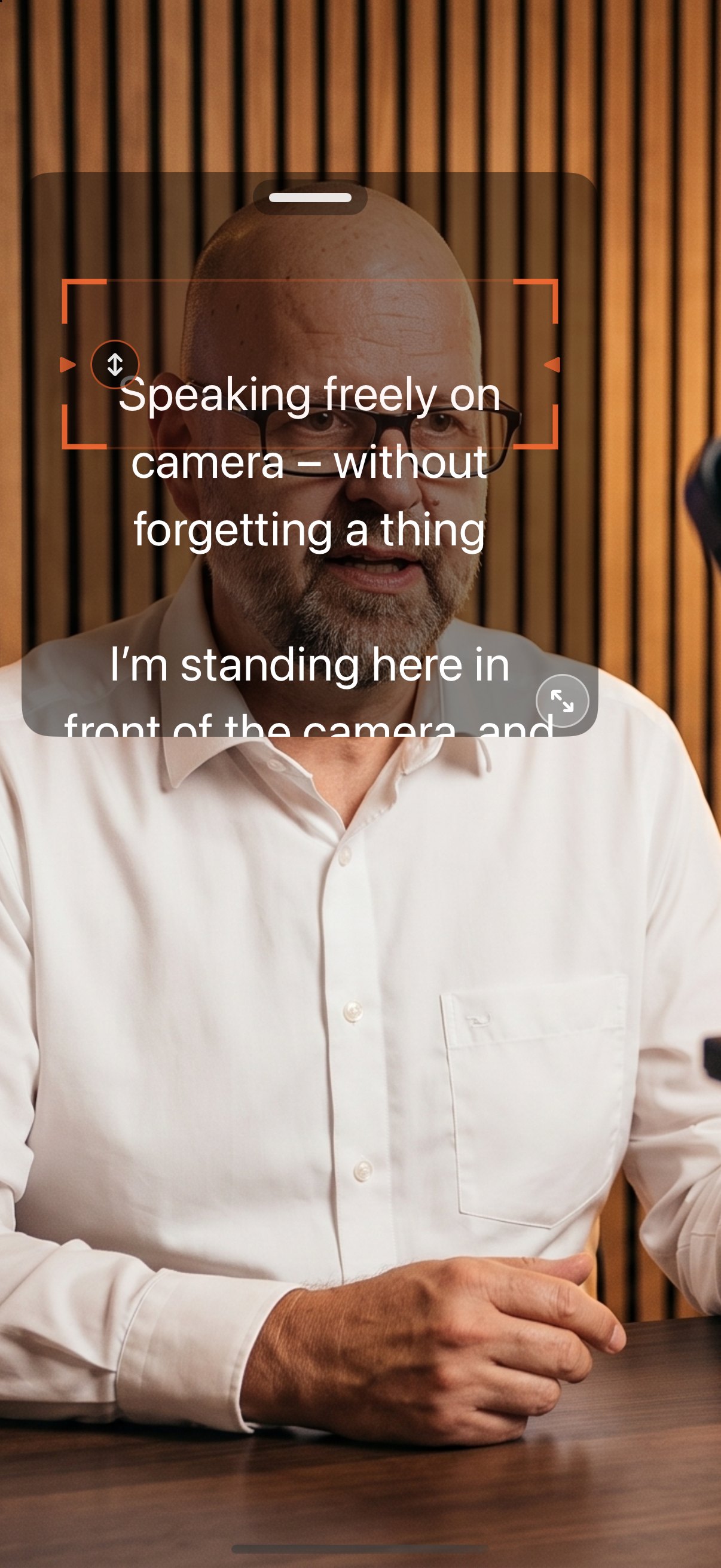
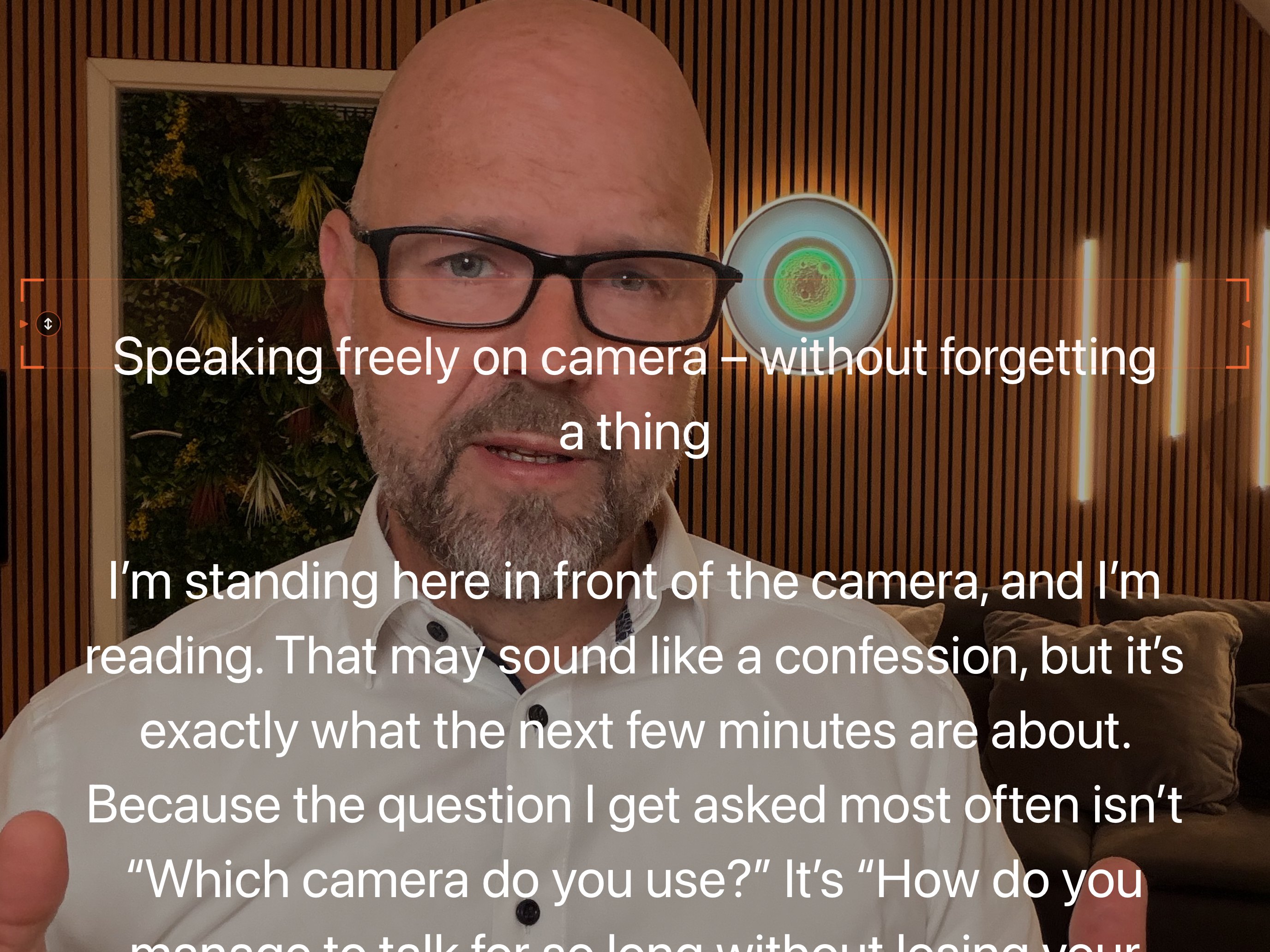
- Script next to the lensOn iPhone and iPad, the script sits in a window over the camera image while recording. Move it by its grip and resize it at the corner or with two fingers, so your eyes stay on the camera.
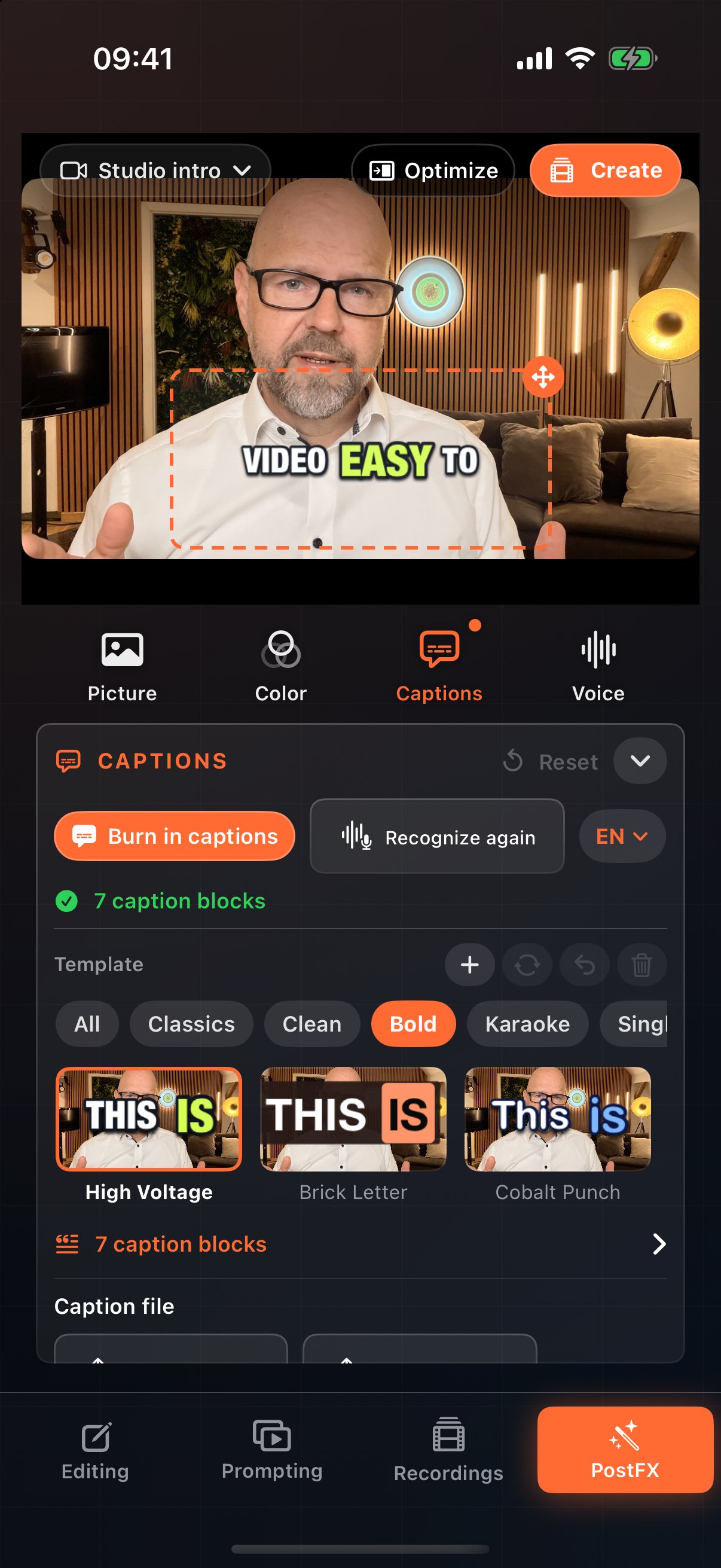
- 84 caption styles84 styles, many of them animated (pop, rise, bounce, typewriter), with word effects such as enlarge, underline and karaoke trail. Plus 3 brand templates with your own font and colors.
- Preview on your own videoTiles show every style on a frame of your own recording.
In short
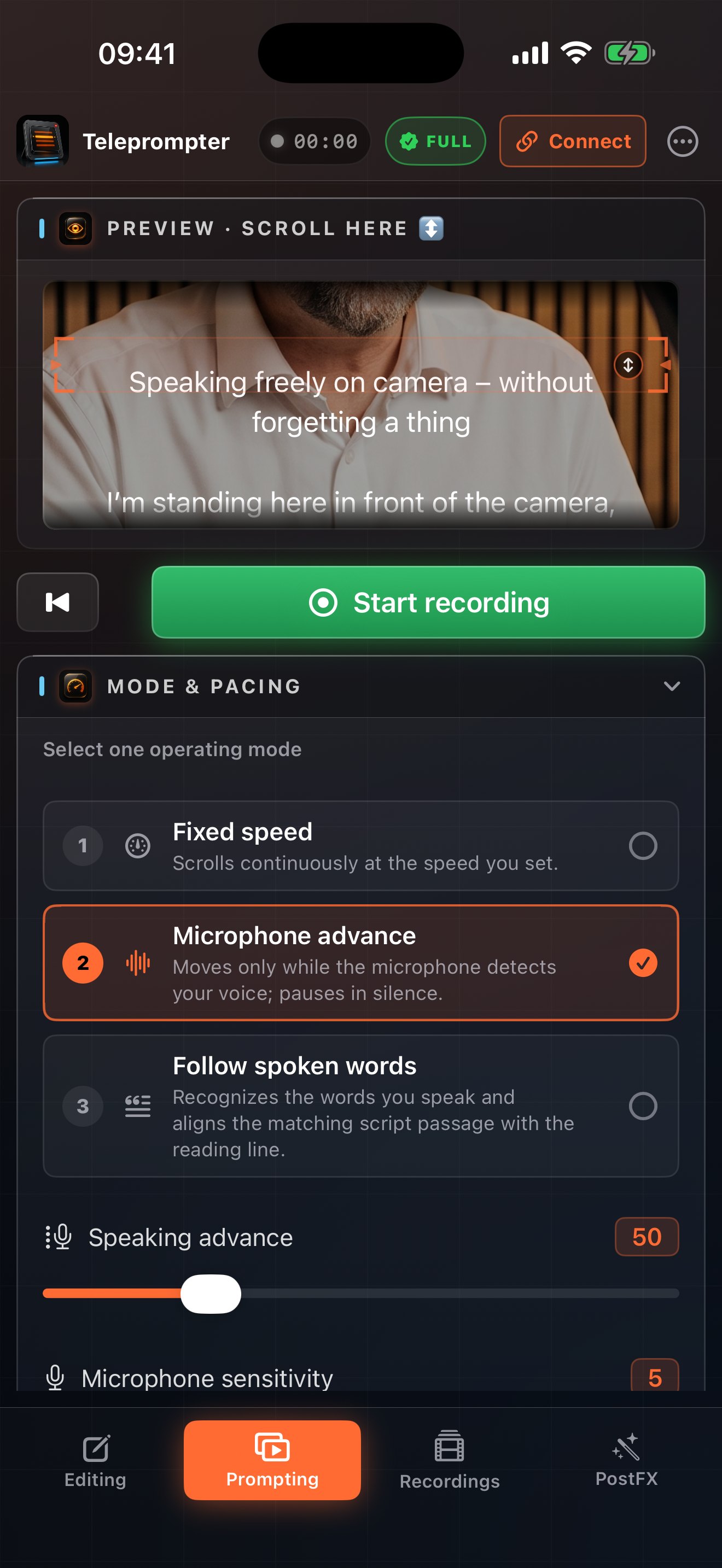
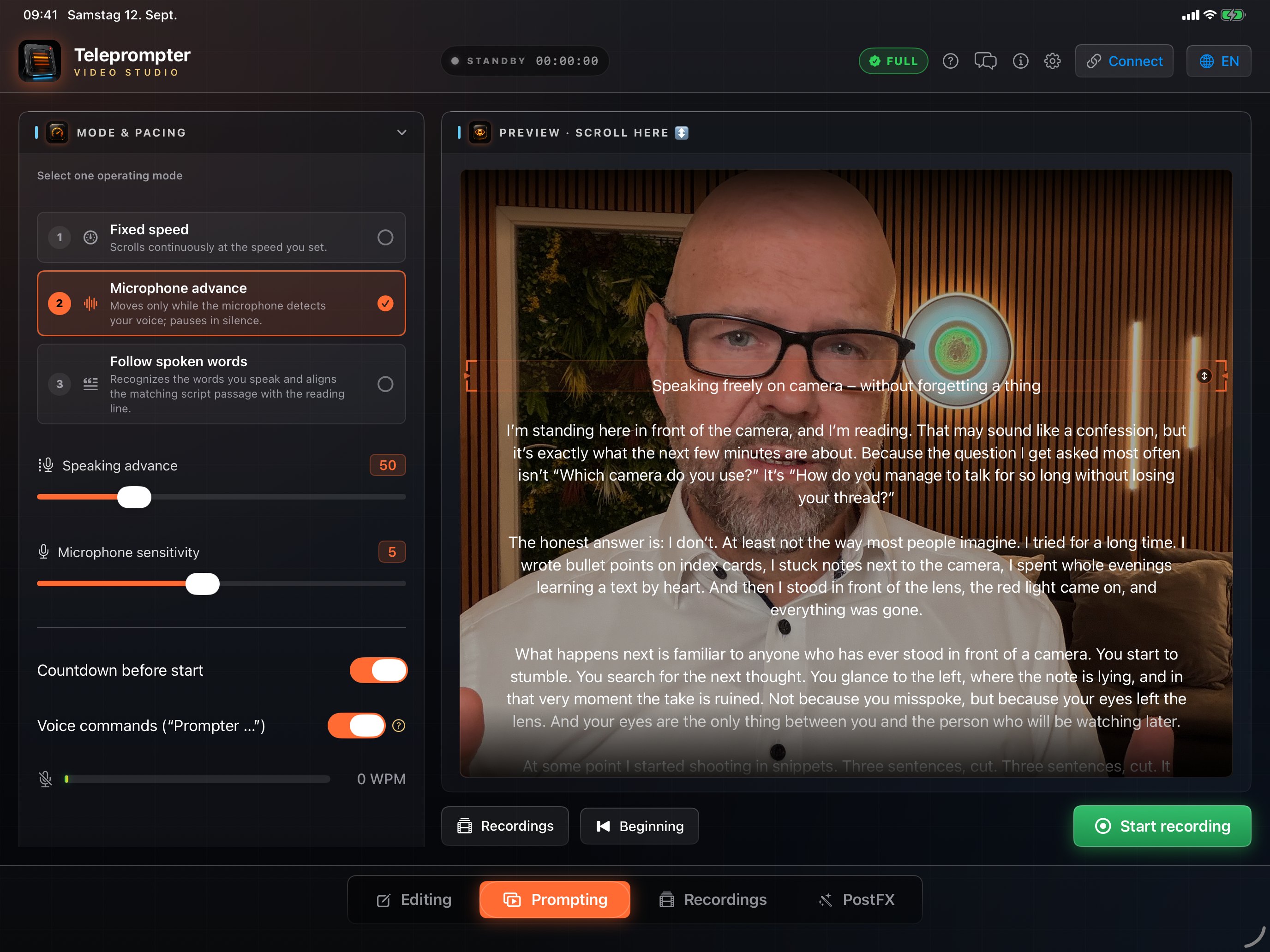
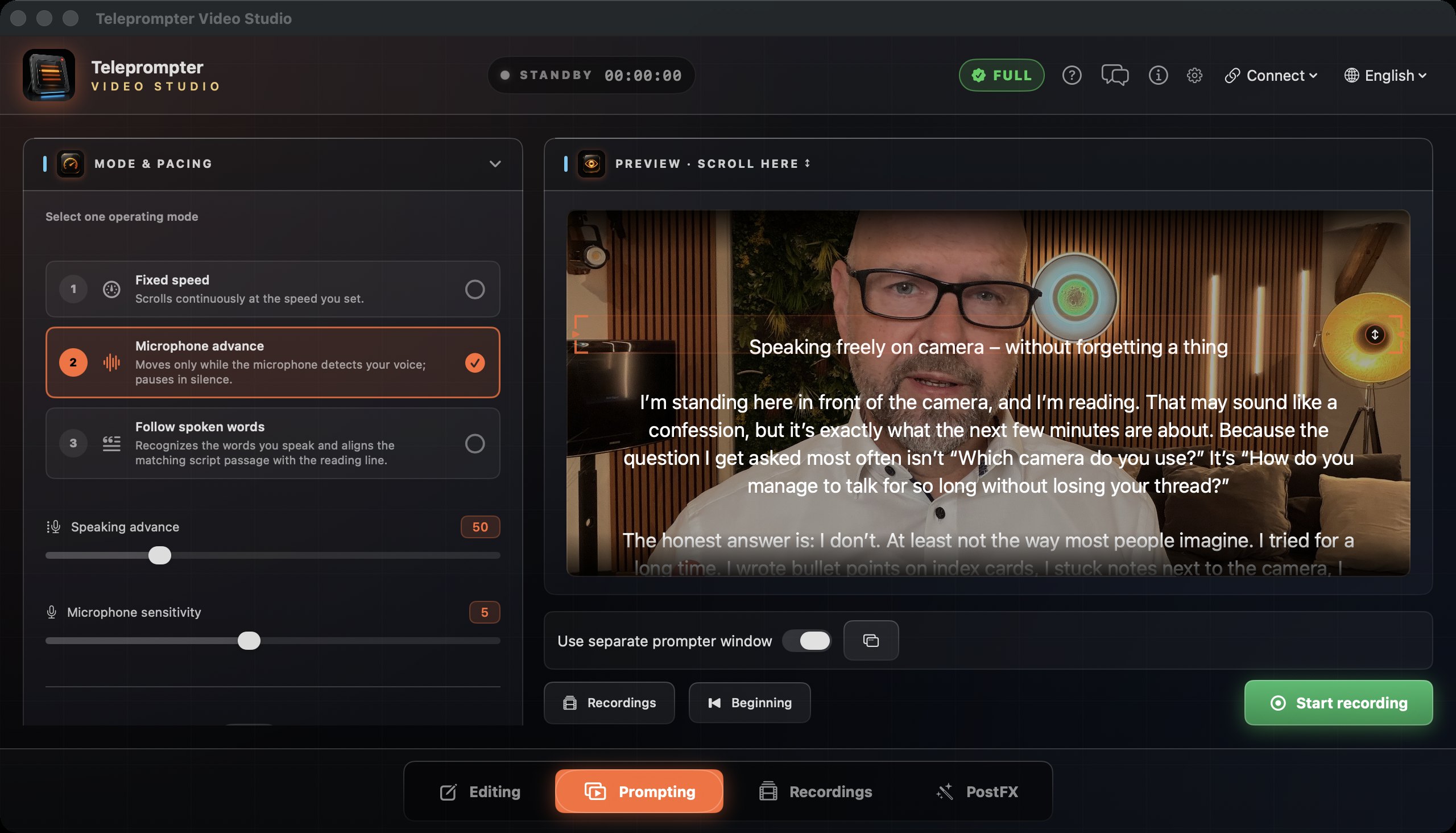
The app moves the script with your voice: it recognizes the words you say and waits when you pause. Alternatively, the script scrolls while you speak or at a fixed speed. You record right in the app, with the script over the camera image.
After recording, the app generates captions on the device. You can correct and style them, burn them into the video or export SRT and VTT files. A second device on the same Wi-Fi becomes the prompter display in its browser via QR code, even an older tablet. Apple Watch controls the prompter on iPhone.
Facts
- Name
- AI Teleprompter: Video Studio (German: KI Teleprompter: Video Studio)
- Developer
- Bodo Kern (KernCraft), Germany
- Platforms
- iPhone and iPad with iOS 17 or later · Mac with macOS 14 or later · Apple Watch with watchOS 10 or later
- Current version
- 4.1; version 4.2 is in preparation
- First release
- June 29, 2026
- Price
- Free with basic features (fixed speed, font size, reading line, countdown). Full: one-time purchase or weekly subscription, after one free trial run. The App Store shows the applicable price. A lifetime purchase does not automatically cancel an existing subscription.
- Purchase
- One purchase covers iPhone, iPad and Mac with the same Apple Account.
- Languages
- 14: English, German, French, Spanish, Italian, Portuguese (Brazil), Dutch, Danish, Swedish, Norwegian, Finnish, Japanese, Korean, Chinese (Simplified)
- Privacy
- No account, no ads, no tracking. Captions and AI text tools run on the device.
- Category
- Photo & Video
- Links
- App StoreProduct pageHelpPrivacy
Images
All images are real captures from the app. Images and film may be used for coverage of the app.
Film
Explainer film for version 4.0 · 1:22 min · 1920 × 1080 · MP4, 63 MB · Download film
Contact
Bodo Kern answers questions and sends a code for the full version on request.
New in version 4.6
Bold text: Under “Appearance”, show your prompter text in bold – also on paired devices and in the browser display.
Text color: Choose white, yellow, green or cyan for your prompter text. Role colors and the highlight of the spoken word stay in place.
Six new caption styles (Full): Typewriter Note, Neon Marker, Yellow Sticker, Chalk Circle, News Bar and Script Glow – now 90 styles.
Since version 4.5
New: Teleprompter for Apple TV. Free on the App Store: pair your Apple TV as a big prompter display with your iPhone, iPad or Mac – text, position and word highlight follow along, and the Siri Remote controls it. Without pairing, Apple TV shows your scripts from iCloud and prompts them on its own.
Since version 4.4
Write on the Mac, prompt on the iPad, record on the iPhone: with 4.4, iCloud keeps your scripts the same on every device signed in with your Apple ID. And scripts arrive straight in the app via AirDrop or “Open with”.
If you edited the same script on two devices before they could sync, the newer version stays and the other is added as “(conflicted copy)”. Other devices only delete scripts that have not changed there since the last sync.
The Mac skips 4.3 and gets its new feature with 4.4: with word follow, the spoken word lights up in color, and word follow stays active when a recording starts. Word follow is part of Full.
Since version 4.3
With word follow, the spoken word is highlighted in color – in the prompter, on a paired iPhone, iPad and Mac and in the browser display. Word follow also stays reliably active when a recording starts.
What’s new in 4.3 · Version 4.3 guide
Since version 4.2
Edit text inside the paused prompter, use the one-time 30-minute trial across multiple takes and start with a new, personally signed intro.
What’s new in 4.2 · Version 4.2 guide
Since 4.1: background removal, 28 backdrops, eight handmade caption styles and text behind the person. The image package below documents earlier interface versions.